
Help Center
General settings (Admin)
You can access the data room settings by clicking on the gear wheel symbol next to your data room name. The changes made here affect the entire data room and all users.
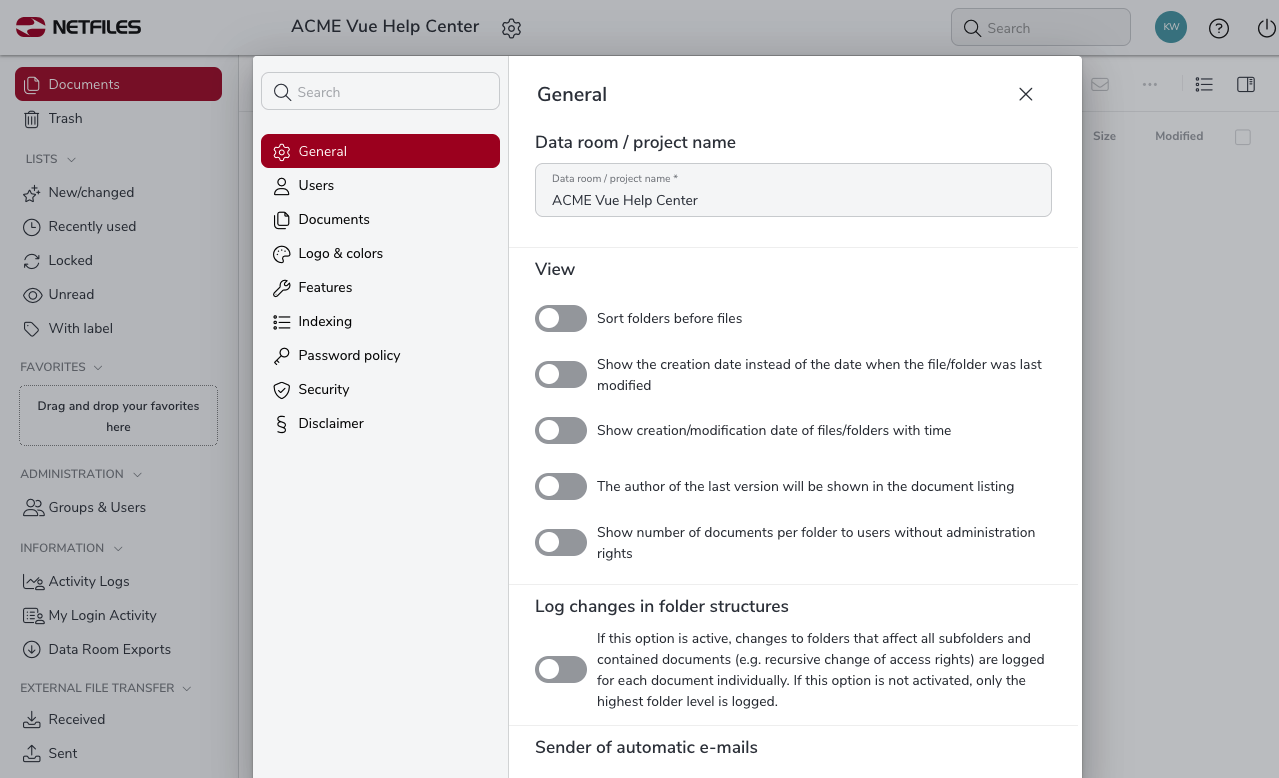
Data room/project name
Here you can change / rename the data room name or the name of the project.
View
- Sort folders before files
- Show the creation date instead of the date when the file/folder was last modified.
- Show creation/modification date of files/folders with time.
- The author of the last version will be shown in the document listing.
- Show number of documents per folder to users without administrator rights (The total number of documents is always displayed. If users can only access part of the folder content, the display and visible content will not match).
Log changes in folder structures
If this option is active, changes to folders that affect all subfolders and containes documents (e.g. recursive changes to access rights) are logged for each document individually. If this option is not activated, only the highest folder level is logged.
Sender of automatic e-mails
- netfiles GmbH service@netfiles.de (set by default)
- Different company name for sending e-mails (if you check this box, you can enter any company name)

